
How to Get Court Records
Gather the basics before you call or write. That means the case number, court name, and party names. It names the exact paper or entry you need too. Denver County Court keeps traffic, municipal, misdemeanor, small-claims, protection-order, and lower-value civil files. Felonies, major civil cases, and domestic-relations matters belong to Denver District Court. Probate and juvenile records go to their own Denver courts.
The free County Court Public Portal shows the Register of Actions when you have a valid case number. It is called an ROA. It does not show filed document images. It will not run a broad public name search either. County Court takes requests by email, mail, or in person. District Court accepts its web form, email, mail, counter requests, and phone inquiries. The Colorado Judicial Branch Docket Search lists settings. It stops short of a full statewide ROA. A phone call can help route a District Court request. But Denver County Court treats no telephone or social-media message as a formal records request.
- Confirm the court from the notice and case-number class.
- Read the ROA or setting list and note the exact document title and date.
- Send the details to the owning clerk by an accepted channel.
- Choose electronic, paper, certified, or exemplified copies.
- Review the estimate, pay the assessed charge, and arrange delivery or pickup.
Three Denver County Court Record Layers
A docket result is not the paper it names. Denver court access works in three layers. The ROA is a dated index of filings, hearings, minute orders, and outcomes. A filed document is the complaint, motion, order, judgment, ticket, or decree behind an entry. A certified or exemplified copy is the version the clerk authenticates for formal use. Printing a portal screen adds none of that authentication.
| Layer | What It Gives | Where It Comes From |
|---|---|---|
| ROA or docket | Chronology, settings, and case status | Public portal or clerk |
| Filed paper | The text of a pleading, order, ticket, or judgment | Owning court clerk |
| Authenticated copy | Certification or exemplification attached to a copy | Owning court clerk |
Types of Court Records
Denver County court records cover far more than a single case sheet. The case type decides both the custodian and which papers exist. A civil file may hold many papers. These can include a complaint, service return, answer, motions, orders, judgment, garnishment, or satisfaction. Criminal files can include a complaint or information, bond events, motions, disposition, and sentence. Probate files may contain wills, letters, and claims. They may also hold closing papers. Domestic-relations files often carry a decree, parenting plan, or support order. Juvenile and protected probate material can carry tighter access limits.
- ROAs, daily dockets, and case schedules
- Pleadings, motions, notices, and filed exhibits
- Minute orders, signed orders, judgments, and dispositions
- Criminal, civil, family, probate, juvenile, and traffic case papers
- Certified copies, exemplified copies, and transcripts of judgment
The Denver County Court services page shows where local copies are obtained.
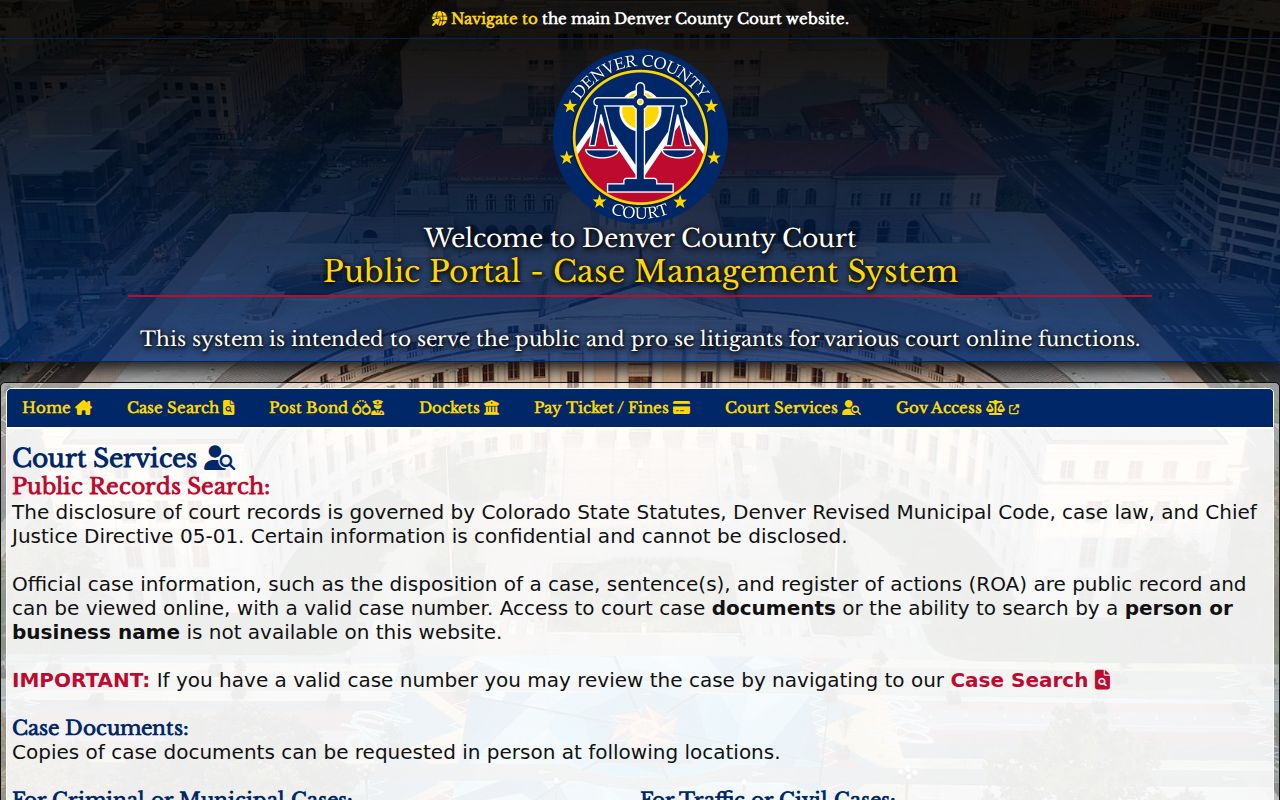
The split is plain. Online case information helps you identify a record; the clerk supplies the filed copy.
Denver County Court Record Counters
Denver County Court splits its copy counters by subject. Traffic and civil service sits in Room 135 of the City and County Building, 1437 Bannock Street, Denver, CO 80202, open Monday through Friday, 8:00 a.m. to 4:00 p.m. Call 720-865-7840 or email civil@denvercountycourt.org. Criminal and municipal copies come from Room 160 at Lindsey-Flanigan Courthouse, 520 West Colfax Avenue, Denver, CO 80204. That office opens at 7:30 a.m. and closes at 4:00 p.m. Call 720-337-0410 or email 160records@denvercountycourt.org.
Traffic and Civil Clerk
City and County Building, Room 135
1437 Bannock Street, Denver, CO 80202
720-865-7840
civil@denvercountycourt.org
Criminal and Municipal Clerk
Lindsey-Flanigan Courthouse, Room 160
520 West Colfax Avenue, Denver, CO 80204
720-337-0410
160records@denvercountycourt.org
Formal County Court data requests have two more routes. Email coradatarequests@denvercountycourt.org, or mail the request to 1437 Bannock Street, Attn: Record Request, Denver, CO 80202. Put the details in the email body itself; attachment-only messages are not processed.
What a Court Record Contains
The exact fields vary by court and case type. A Denver County Court ROA is a chronological index. It has separate blocks for schedule, parties, charges, sentences, fines and costs, payments, bonds, and officer information. District Court files usually open with a case header and then track filed events. Public versions can leave out personal identifiers or protected entries.
| Case Number | A year, class, and sequence, such as 2024CR1234, or a Denver County Court GV, GS, or D identifier |
|---|---|
| Case Header | Court, division, caption, filing date, type, parties, attorneys, and status |
| ROA Entries | Dated filings, settings, notices, minute orders, rulings, and disposition |
| Filed Papers | Complaints, motions, answers, orders, judgments, tickets, and available exhibits |
| Post-Judgment Work | Satisfaction, garnishment, transcript of judgment, appeal, or sealing activity |
Need the fuller filing history? A contextual Denver County case search can identify the ROA entry before a copy request goes out.
Denver County State Record Checklist
The state form serves state-administered courts, including Denver District, Probate, and Juvenile Courts. It asks for your contact details and case number. It also wants the case type, year, county or location, party information, and other facts that help locate the file. Checkboxes cover common family, criminal, civil, and probate documents. Denver GV, GS, and D numbers are redirected elsewhere. Those belong to the separately run Denver County Court. The official Colorado record and document request form displays that checklist.
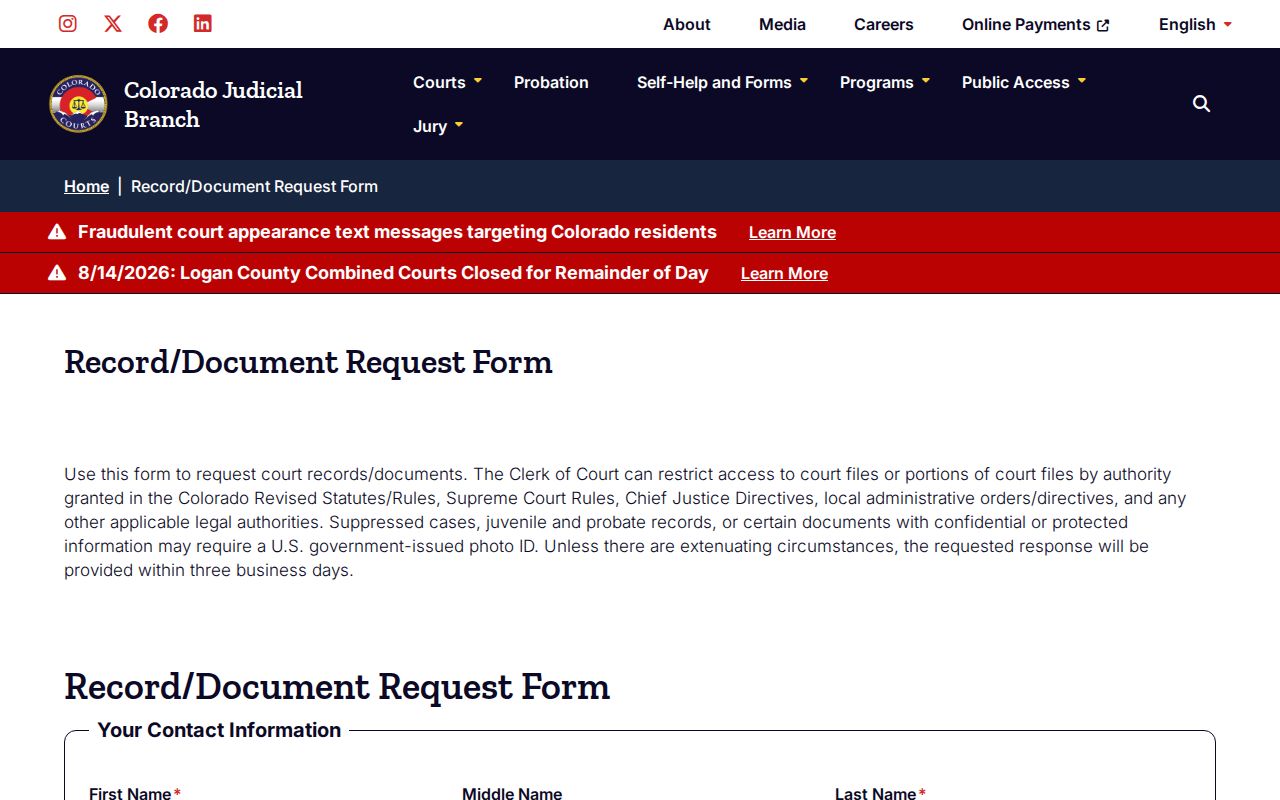
Lead with the document title, entry date, and copy type. Doing that from the start can cut search time and avoidable research charges.
Certified Copies and Fees
County Court electronic copies are often free in ordinary cases. Paper copies run $0.25 per page, and certification adds $20 per document. The court gives an estimate and requires full payment before release. By mail, pay with a check or money order. The counter takes cash, check, money order, and major credit cards. Credit cards cannot be taken remotely. For data or records work, fees can apply. Denver County Court may charge $41 per hour after the first hour.
| Item | State Court Fee | Denver County Court |
|---|---|---|
| Plain copy | $0.25/page; $0.50 double-sided | $0.25/page; electronic often free |
| Certified or exemplified copy | $20 per document | $20 certification plus copy cost |
| Name search | Up to $5 | No free portal name search |
| Research or redaction | $30/hour after first hour | $41/hour after first hour |
| Off-site retrieval | Actual cost | Estimate if applicable |
The Colorado court record fee list gives the state-administered copy charges.
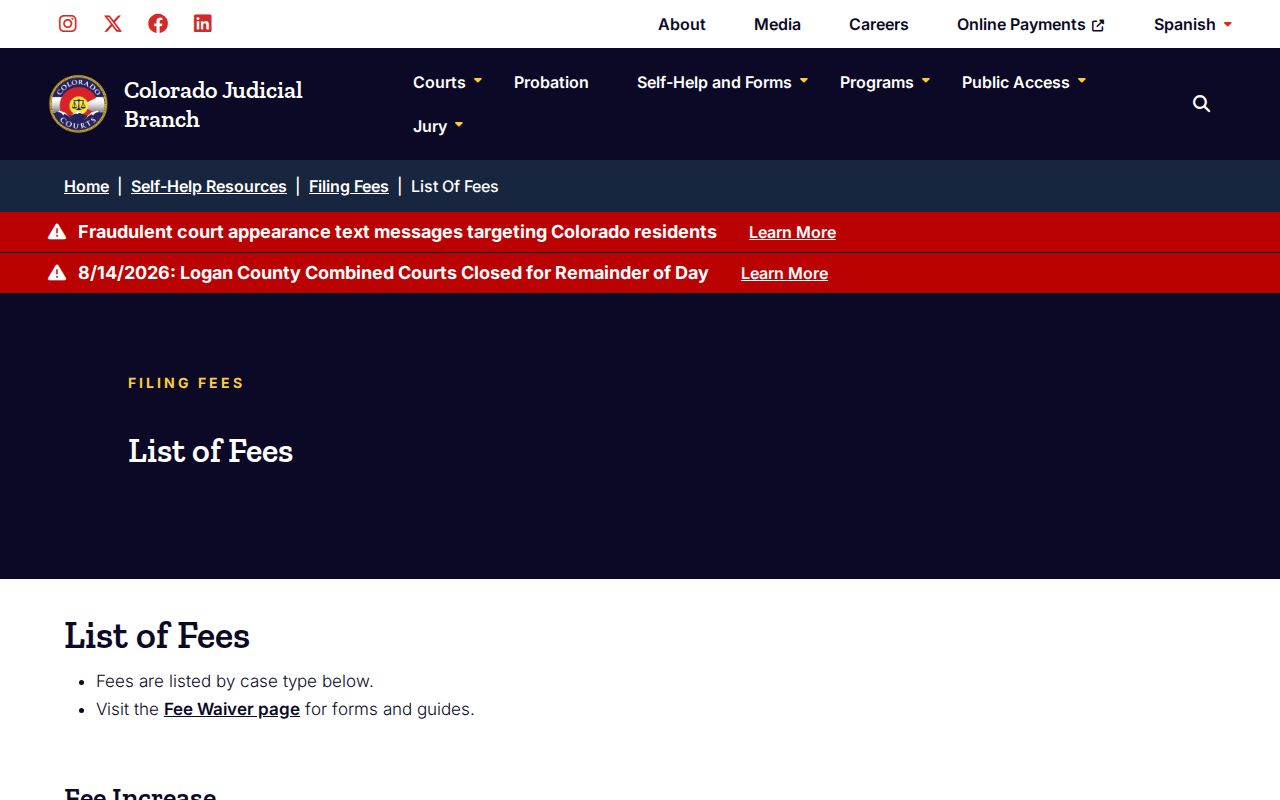
The fee schedule draws a clear line. A low-cost plain copy covers reading, and the added clerk work covers authentication.
Narrow Denver County Court Record Requests
Think small when you request Denver County court records. A narrow ask moves faster and costs less. Quote the ROA entry, the document title, and the filing date. Add the court, case number, case type, and year. Include party names and date of birth when that detail helps identify the file. Say plainly whether you want an electronic, paper, certified, or exemplified copy. Broad requests, by contrast, can sit for weeks or months. Staff still have to handle retrieval and redaction, and no clerk will build a custom report or compilation to answer a one-off question.
For estimates and payment, the Denver County Court data and records page covers it. The page also explains how the office handles requests.
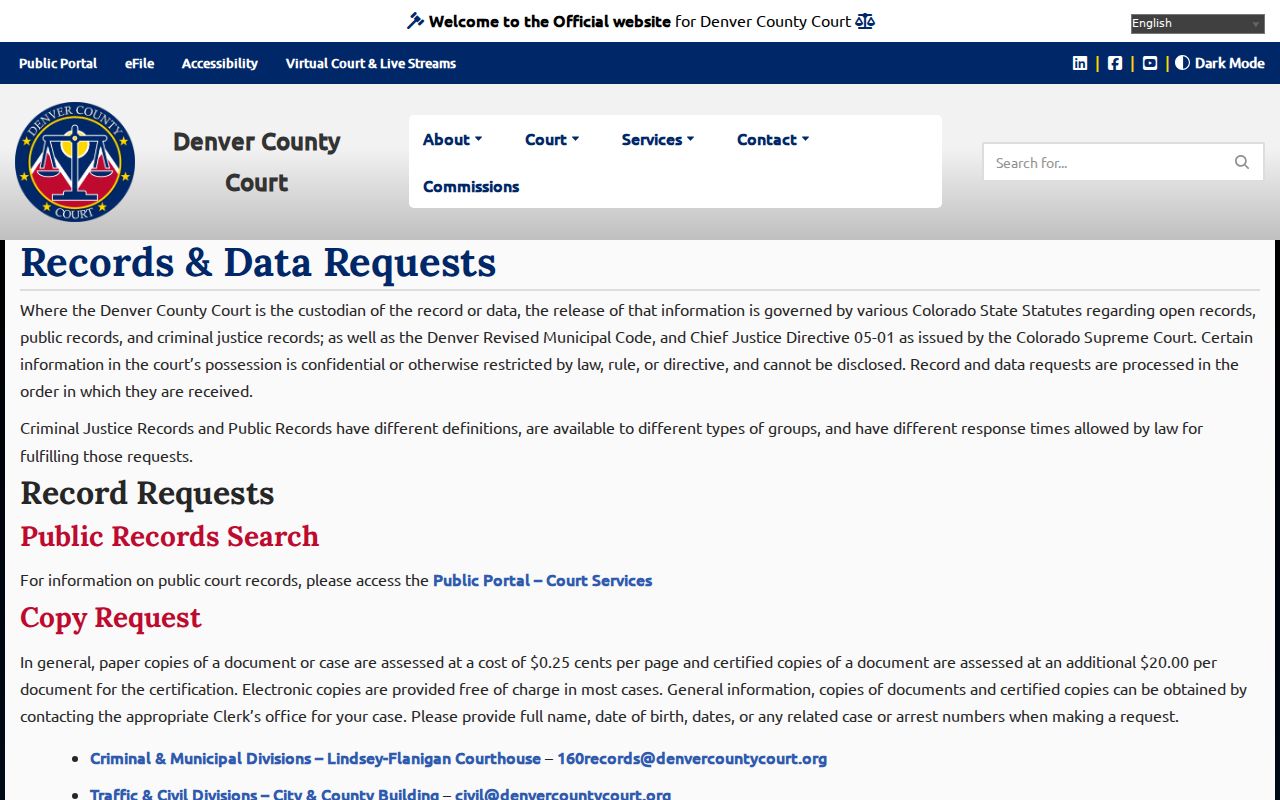
Watch the clock after the clerk responds. A request goes abandoned after ten days without clarification, payment, or pickup, so reply promptly.
Public Access and Sealed Records
Who gets to see a Colorado court file? Court directives answer that question first, ahead of the public-record laws. Chief Justice Directive 05-01 governs remote access, exclusions, request procedures, and fees for Judicial Department records. The current policy text holds its operative details. The Colorado Open Records Act covers public records generally. The Colorado Criminal Justice Records Act handles criminal justice records. For juveniles, the Children's Code and court rules control access. The directive source shows the policy in its current form.
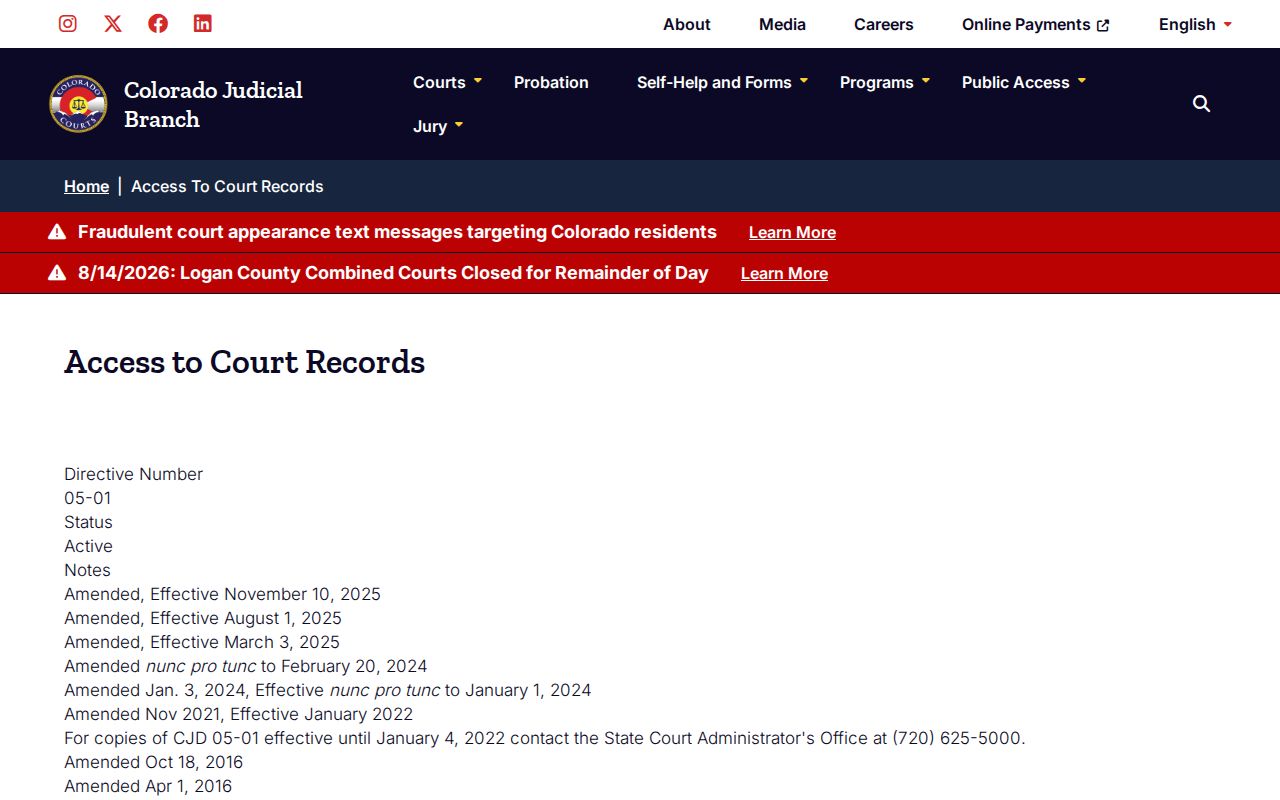
Sealing changes everything for a County Court case. Once sealed, ordinary public access ends. Suppressed District cases, protected papers, and certain juvenile or probate requests may demand government-issued photo identification plus proof of legal access. The Judicial Branch posts restricted-information policy material on the subject, and its Chief Justice Directives index points to related directives now in force. One caution belongs here. A missing online result does not prove a case is sealed, so first verify the court, the case number, and the limits of any future-date search.
Access rule: A public ROA may omit protected fields, and only the owning clerk can decide whether a restricted paper may be released.
Denver County Court Record Transcripts
Transcripts never ride the ordinary copy queue. District Court recordings route through the FTR transcript channel at 02FTRtranscripts@judicial.state.co.us. Court-reporter transcripts go to 02CourtReporter@judicial.state.co.us. Or use mail to Room 135 at the Lindsey-Flanigan Courthouse. Colorado policy, under CJD 05-03, does not hand out audio CDs or tapes of hearings. Specify the hearing date, court, case number, and the exact portion you need transcribed.
Why the separate route? An ROA can name a hearing without preserving what was said. The event index proves the court logged the activity. It does not reproduce testimony or oral findings. Transcript production runs on its own timing and its own cost process.
Denver County District Court Records
Denver District Court record requests reach the clerk several ways. Walk to the Room 256 counter at 1437 Bannock Street, Denver, CO 80202. Email denverdcrecordsrequest@judicial.state.co.us, mail the records department, or use the state web form. Phone routing runs through 303-606-2300, option 1, 5, 1. The official Denver District paper request form sets a normal three-business-day response target. That target holds when nothing unusual applies. Give too few facts, though, and the clerk may not find or confirm a record.
Bring identification if a suppressed case or protected paper requires it. Older paper files may need off-site retrieval at actual cost. Those limits explain the caution. A court date on the state docket search is only a starting point. The filed order itself still must come from the Denver District Court clerk.
Federal Denver County Court Records
Federal cases live elsewhere. Denver's federal lawsuits belong to the U.S. District Court for the District of Colorado. That court posts docket reports and linked filings through PACER. Bankruptcy is separate. Those matters go to the U.S. Bankruptcy Court for the District of Colorado. A PACER account is required to view anything. The court's PACER access explanation covers the charges. It also explains free first access for parties and counsel, plus the exemptions. Each page costs $0.10, and a quarterly bill of $30 or less is waived automatically. Federal appeals go to the Tenth Circuit.
The PACER District of Colorado lookup page identifies the federal court system. It also lists the court's contact details.
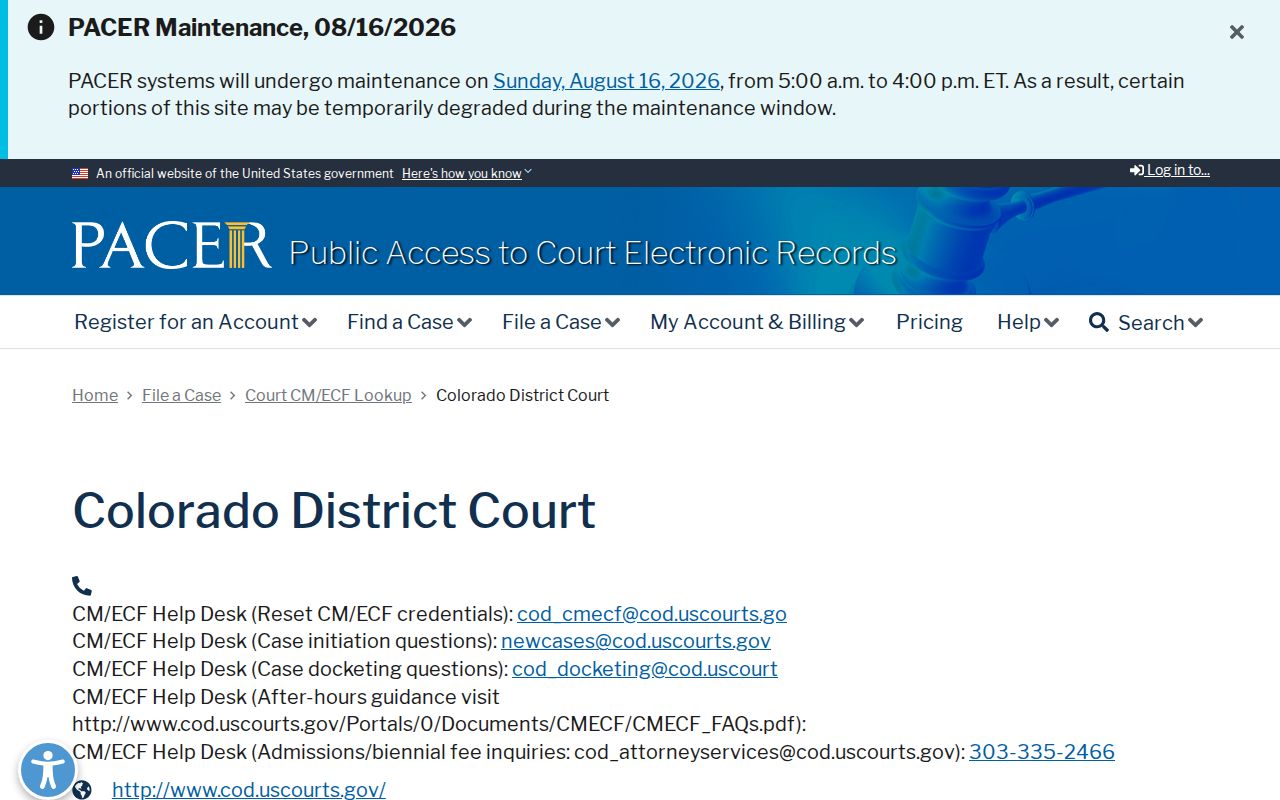
Federal docket entries can link straight to numbered documents. The free Denver County Court ROA does not offer public filed images. PACER also documents McVCIS phone access for limited free voice information where supported.
Check a Denver County Court Record
Check before you rely on any copy. Match the court name, case number, current setting, and access date. If a search comes up empty, test the other Denver court system before concluding anything. When a docket lists the paper you need, quote that exact entry to the clerk. Pick plain, certified, or exemplified treatment based on the intended use. Recheck a live setting close to the event. An old docket entry can linger after a later reset.
These steps head off four common Denver mistakes. People use the wrong portal. Some treat a future-date tool as full history. Others confuse an event listing with its filed paper. A few mistake a portal printout for an official certified record. Note: Denver's courts share downtown geography. Each clerk controls only the records assigned to that court.