
How to Search Civil Dockets
Claims inside Denver County Court's jurisdiction start in its Public Portal. A valid Denver case number opens the Register of Actions, plus the schedule, parties, financial data, and disposition. No number handy? The civil future-date tool accepts a first and last name or a business name, but it only returns cases with an active future setting. District civil and domestic-relations settings live elsewhere, in the Colorado Judicial Branch Docket Search. Probate runs through a separate Denver court. Let the paperwork, case code, and claim type pick the right Denver route.
- Read the court name, case number, class code, and party caption on the most recent paper.
- Search County Court by number or active future date, or filter the state docket to Denver and the correct courthouse.
- Confirm the parties, court, case status, filing history, and newest setting before relying on a match.
- Identify the exact complaint, motion, order, judgment, or decree needed from the event list.
- Request that paper from the owning clerk and state whether a plain or certified copy is required.
Denver Civil Docket Date Search
County Court's “Find your Civil Court Date” tool takes either a first and last name or a business name. Treat it as a narrow schedule finder. It does not sweep all past Denver civil dockets. Nor does it work as a broad company-history database. An empty result may simply mean no active future date exists under the entered name.
| Search path | Input | What it returns |
|---|---|---|
| Direct County Court case | Case number | ROA, schedule, parties, and case blocks |
| Future civil date | Personal name or business | Active future County Court settings only |
| State court docket | Date plus another filter | District, domestic, or probate settings |
Digging into historical names, or chasing a missing number, means clerk help, a formal request, or a court-contracted state register service. None of those services replaces the official court file.
Denver Civil Docket Court Line
Denver County Court hears civil disputes not exceeding $25,000, small claims, evictions, protection orders, and name changes. Larger general civil cases and domestic relations go to Denver District Court. Estates, guardianships, and conservatorships belong to Denver Probate Court, a separate constitutional court. So the dollar amount and the subject matter matter as much as any party name.
Quick check: A County Court civil number belongs in the local portal. A District CV or DR number belongs in state court channels. A PR matter routes to Denver Probate Court.
Sending one identical request to every clerk slows the docket search and invites a false “not found” response. Match the identifier first, then ask for a file.
What a Civil Docket Shows
A Denver civil Register of Actions is the case's time-ordered index. A District civil number may combine a four-digit year, the CV class, and a sequence, such as 2026CV1234. County Court keeps its own civil sequence. Entries name the activity. They do not put the underlying papers online for public download.
| Case Number | Identifies the year, court, case class, and sequence where coded. |
|---|---|
| Parties | Names plaintiffs and defendants, or petitioners and respondents, subject to access limits. |
| Filings | Indexes the complaint or petition, service, answer, exhibits, and later papers. |
| Motions and Orders | Tracks requests for a ruling and the court's response or direction. |
| Judgment | Records the enforceable result, dismissal, and later enforcement or satisfaction events. |
Read the entries in order and the civil docket finally gives real context. One caption, motion, or stale setting cannot establish the latest status.
Denver Civil Docket Outcomes
A judgment is not the same as payment. It records the court's enforceable result. A satisfaction is the later record showing the judgment obligation was completed. Garnishment and execution are post-judgment steps, while a transcript of judgment is simply the certified form used for filing or enforcement, never new proof of the original claim.
- Dismissal
- The claim ended without the requested final judgment; the entry should show whether the court or a party initiated it.
- Default judgment
- A judgment entered after a required response or appearance was not made.
- Satisfaction
- A filed record that the judgment obligation was fulfilled.
- Appeal
- A request for higher-court review that creates its own later docket.
For the exact judgment or satisfaction document, go to the clerk. The ROA only identifies its title and date.
Types of Civil Cases on the Docket
Denver civil records divide by jurisdiction. There is no single countywide database. County Court covers the lower-value, streamlined local forums, District Court takes larger or specialized trial matters, and Probate Court keeps its own protective and estate files.
- County civil claims for money or property not exceeding $25,000
- Small-claims cases and local eviction proceedings
- Protection orders and name-change matters
- District civil cases, including larger general claims and state-agency review
- Domestic-relations cases and separate probate proceedings
Colorado's capital doubles as a filing site. Constitutional challenges, election disputes, and reviews involving state agencies often land here. That local role makes a District Court check especially important when County Court returns nothing.
Denver Civil Docket Specialty Courts
Domestic-relations dockets belong to Denver District Court. The event path can run from a petition and service through disclosures, temporary orders, and conferences. From there it may move on to a decree, parenting or support orders, and later modification or enforcement. Public access to a case does not mean every family filing appears remotely. Personal identifiers are often withheld too.
Denver Probate Court is its own judicial district. Its records cover estates, guardianships, and conservatorships. Entries can name an application or petition, a will, letters, claims, inventory, accounting, and closing. Protected filings may require identification, an entitlement review, or a court order. Search the proper probate channel. Do not treat an absent District or County Court result as missing.
Settings and Hearings on Civil Dockets
Read any current setting with its date, time, duration, hearing type, location, appearance type, and courtroom. The state docket search marks a matter in person or by telephone. County Court's schedule can attach the current hearing to a known case. After a continuance or reset, the newest setting controls.
A complaint date is never a hearing date. A scheduling order may set several deadlines before trial, and status conferences, motion hearings, noncontested hearings, and initial conferences each serve a different purpose. Preserve the exact label and recheck near the event. For a channel-by-channel walkthrough, use the Denver County court calendar.
Clerk-room numbers can appear as temporary assignments. They may change within 48 hours. Confirm the live Denver civil docket close to court.
Denver Civil Docket Caseload
The Second Judicial District's official 2024 overview counted approximately 4,909 civil matters. Another 3,916 were domestic-relations matters. These state-administered court figures exclude the separately administered Denver County Court's full civil and small-claims workload.
Searchers who stop at one County Court portal miss half the picture. Denver District civil and domestic dockets sit in a different layer, and that layer carries real weight. A full Denver civil docket search has to reach both.
Denver Federal Civil Dockets
Federal civil cases in Denver run on their own track entirely. Registered users can pull federal docket reports and linked filings through the District of Colorado PACER search, which shows the federal side that state tools never display.
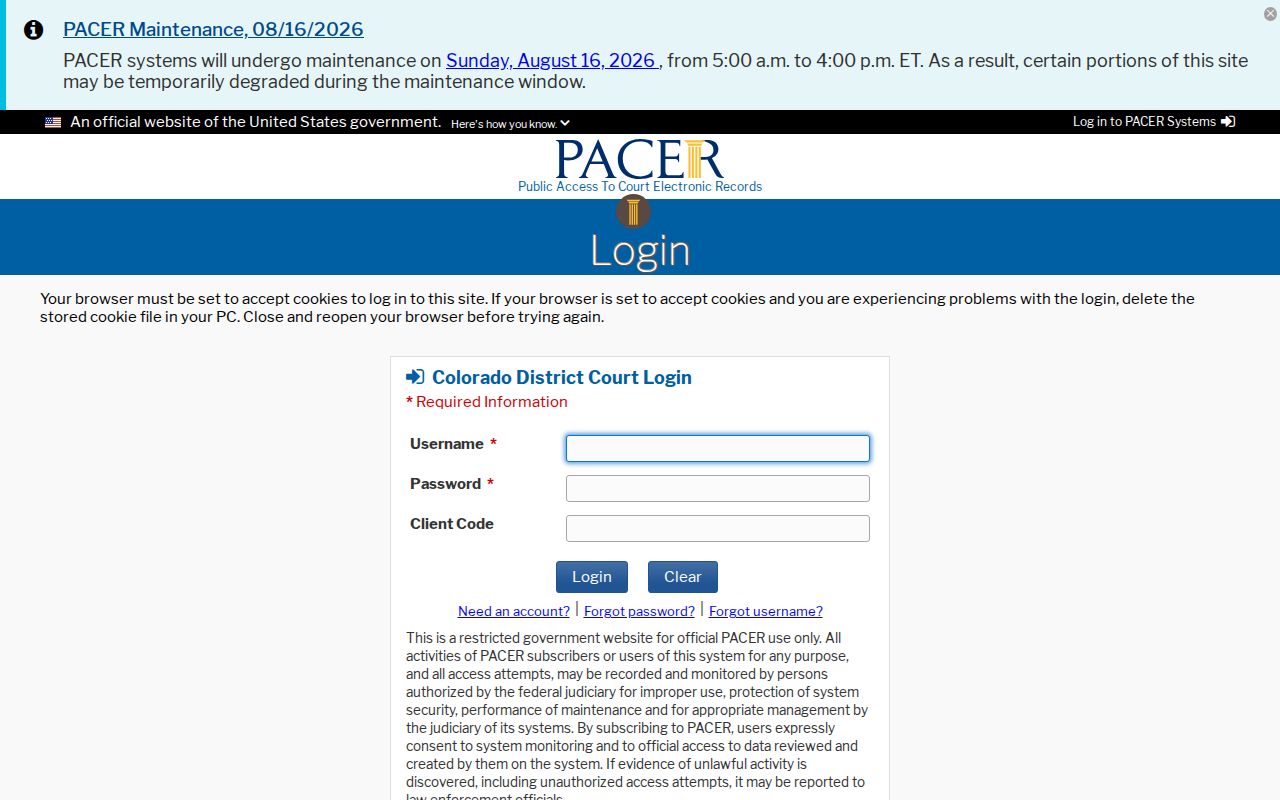
One more layer sits above the county system. Federal civil cases never show up in Denver County Court or Colorado state docket tools, so a separate search is required. PACER, the federal system behind that official page, charges $0.10 per page. Small bills disappear on their own, though. Any quarterly total of $30 or less is waived without asking.
Bankruptcy stands apart even from that. Its home is the U.S. Bankruptcy Court for the District of Colorado, which runs its own official docket entry point for those filings.
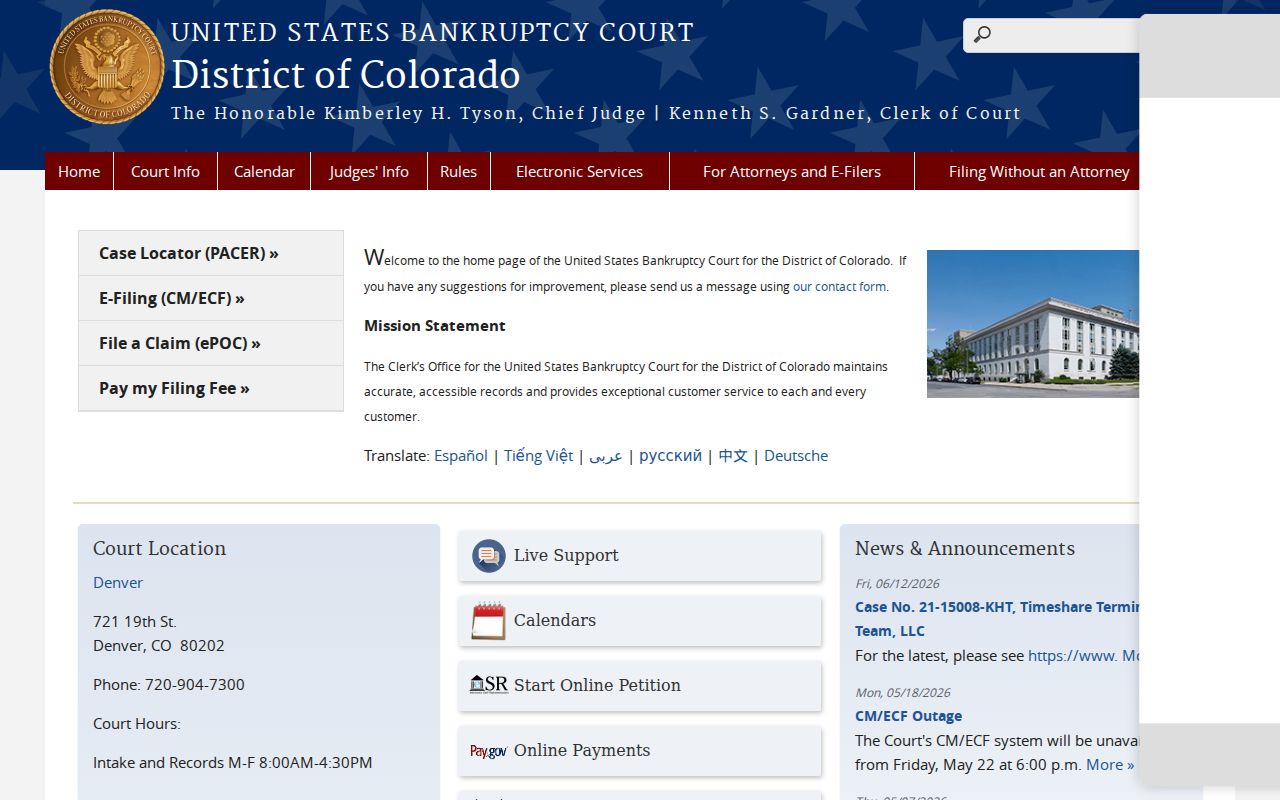
A bankruptcy docket looks nothing like a state civil claim, and the official page above makes the difference plain. One more fork matters here. Appeals from the federal District Court head to the Tenth Circuit, not to the Colorado Court of Appeals.
Denver Civil Docket Documents
Three layers hide inside a Denver civil docket file. The ROA is the first. It logs when a complaint, order, or judgment entered the record. The filed document itself holds the actual text. A certified copy adds the clerk's authentication on top. Printing an online event list does not convert it into the filed order.
Where you go depends on which court holds the case. County Court civil documents route to Room 135 at the City and County Building, 1437 Bannock Street, or to civil@denvercountycourt.org. District civil records are different. Those requests go to Room 256, denverdcrecordsrequest@judicial.state.co.us, the state web form, mail, or 303-606-2300 with options 1, 5, 1. Walking between them will not help, even though the Civic Center historic district surrounds both. Plan for the District's stated three-business-day response target when conditions are normal. Off-site retrieval and redaction can stretch that.
Public Access to Civil Dockets
Access starts with the Denver civil docket, not with unlimited document downloads. Denver County Court gives a free ROA lookup by case number. It also offers a search for active future dates. State courts add a free Denver settings search. Real-time register searching across the board runs through contracted services, while official copies stay with the clerk. The counter still works too. A visit, an email, a mailed request, the state form, or a phone call for District routing all remain open paths to a civil court record.
Key Rules:
CJD 05-01 governs access, remote display, exclusions, and requests for Colorado Judicial Department court records.
CJD 06-01 authorizes court search, retrieval, copy, scanning, and redaction fees.
Colorado Open Records Act, C.R.S. §§24-72-201 et seq. applies to public records, while judicial files also follow court directives.
Not every filing shows up on a civil docket. Sealed cases, protected domestic filings, some probate material, and personal identifiers may be hidden from view. Keep that in mind when a Denver County docket entry looks blank, because a missing line does not prove that no paper was filed. For filing and service costs, Colorado's official court fee guidance is the place to look, though those charges are separate from what you pay for docket copies.
Denver Civil Docket Copies
When you ask for copies, lead with the exact event title and its date. The price depends on the court. County Court often provides ordinary electronic copies free. It charges $0.25 per page for paper. It also adds $20 to certify a document. Courts run by the state follow a published schedule instead: $0.25 per page, $0.50 for a double-sided copy, and $20 for a certified or exemplified document.
A formal County Court records request can go out three ways. Email it to coradatarequests@denvercountycourt.org with the details written in the email body itself. You can hand it in at either clerk counter. Or mail it to 1437 Bannock Street, Attn: Record Request, Denver, CO 80202. A phone call or a social-media message will not count. If the records work runs past the first hour, County Court may charge $41 per hour. It will give you an estimate first. Full payment is required before anything is released.